
You can access all your OtterlyAI invoices directly from your Billing tab.
Steps:
- Log in to your OtterlyAI account.
- Go to Billing.
- Click on Manage Plan button in the upper right corner and then click on View Invoices
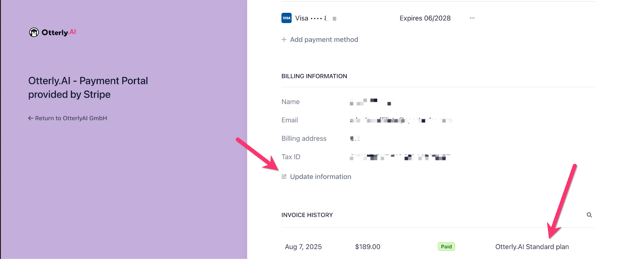
- On the Stripe Payment Portal, you find the invoices at the bottom of the page.
Please note that you'll be able to access the invoices only if you have an active subscription. If your subscription is inactive but you want to receive your old invoices, contact us via live chat or at hello@otterly.ai.