
Creating your account:
Step 1 — Go to the signup page
Visit otterly.ai/signup and enter your email address. (Alternatively, you can sign up with Google)
✅ No credit card required. Your free trial includes 50 search prompts for 7 days.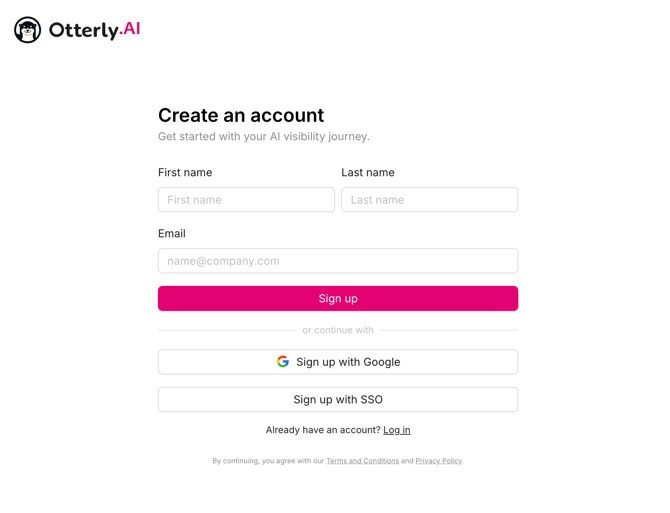
Step 2 — Verify your account
We'll send a 6-digit verification code to your inbox. Enter it to continue.
Step 3 — Start the in-app onboarding
You'll be taken straight into the setup flow, where you'll add your brand domain, competitors and search prompts. Your first Brand Report is created automatically from these prompts.
⚠️ IMPORTANT — read this first if your company already uses OtterlyAI
Each email address can only be used once in our system. If your team already has an OtterlyAI account or an active subscription, do not sign up for a new free trial. Instead, ask a teammate to invite you:
→ They go to Team Management in the OtterlyAI dashboard and invite you by email. How to invite team members →
If you accidentally signed up before being invited, contact us via the in-app chat or support@otterly.ai.