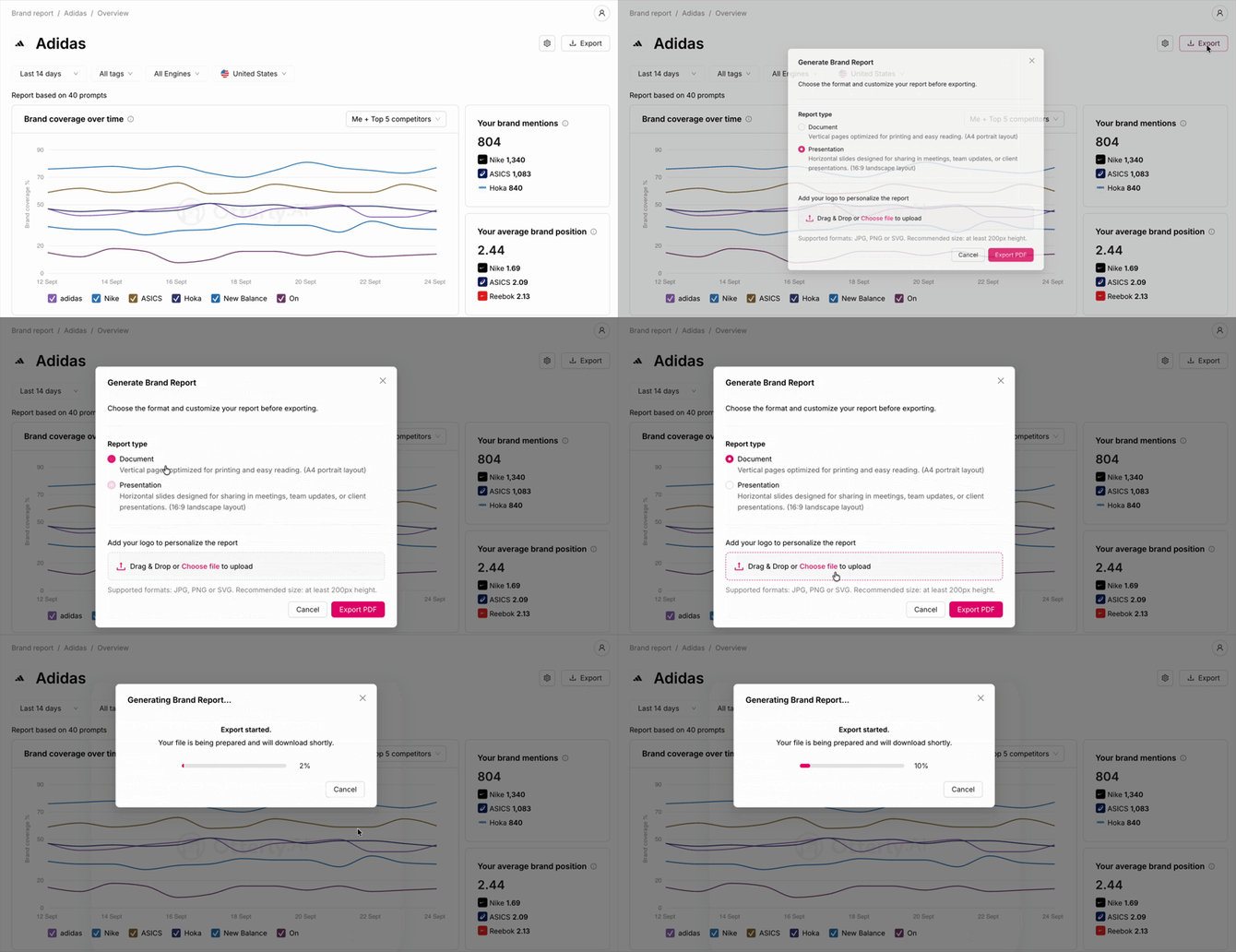
Is there an export to PDF option for your brand report?
The Brand Report dashboard cannot currently be exported as a PDF or downloaded in any file format directly. This is on the OtterlyAI product roadmap.
Workarounds for sharing brand report data
While a direct brand report PDF isn't available yet, here are the practical alternatives:
Option 1 — Looker Studio connector (Standard/Premium/Enterprise) Connect your OtterlyAI brand report data to Google Looker Studio and build a fully branded, shareable dashboard. Looker Studio reports can be shared via link, exported as PDFs from within Looker Studio, or set up with scheduled email delivery.
Set up the Looker Studio connector →
Option 2 — Search Prompts CSV export Export your search prompt visibility data as a CSV and use it to build a custom report in Excel, Google Sheets, or your preferred BI tool.
Option 3 — Browser print/screenshot For a quick one-off share, use your browser's print function (Ctrl+P / Cmd+P) with "Save as PDF" selected while viewing your brand report. This captures the current dashboard view it's not a polished export but works for quick internal sharing.